Vite.js
Build and Deploy a Modern Web 3.0 Blockchain App | Solidity, Smart Contracts, Crypto
Ressource
vite.js
Tailwind CSS – Rapidly build modern websites without ever leaving your HTML
Let’s Make A COMPLETE GAME In Three.js With Rogue Engine | JS/TS | Tutorial | Part 1
Rogue Engine
Why does Angular 2 use the .ts file extension?
TypeScript is JavaScript with syntax for types
Three.js Game Tutorial: Learn Three.js while building a traffic run game
YouTube – The Cherno
Patreon – The Cherno
Anya Chernikov (aanya_solo)
Yan Chernikov (thecherno)
Premake
github.com/premake/premake-core
Forum: Premake (an alternative to Cmake)
github.com/ocornut/imgui, Dear ImGui: Bloat-free Graphical User interface for C++ with minimal dependencies
github.com/seanchas116/qtimgui, Qt (QOpenGLWidget / QOpenGLWindow) backend for ImGui
github.com/alpqr/imgui-qt3d, Qt3D integration for Dear ImGui
Qt 3D Render C++ Classes, contains functionality to support 2D and 3D rendering using Qt 3D (OpenGL or RHI backend)
How do I use Qt and SDL together?
github.com/killeand/Qt-SDL, C++ demo of Qt 5.9 and SDL 2 working together
QMdiArea Class
QMdiSubWindow Class
Hazle Engine
github.com/TheCherno/Hazel
github.com/ibotha/SwallowEngine
Game Engine (Playlist)
Making a New C++ Project in Hazel | Game Engine series
Making a Game in ONE HOUR Using MY ENGINE AGAIN!!, 18.12.2021, C#, Hazle
BEST WAY to make Desktop Applications in C++
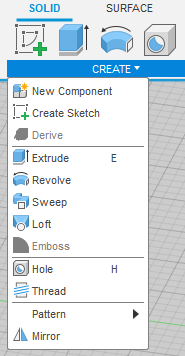 |
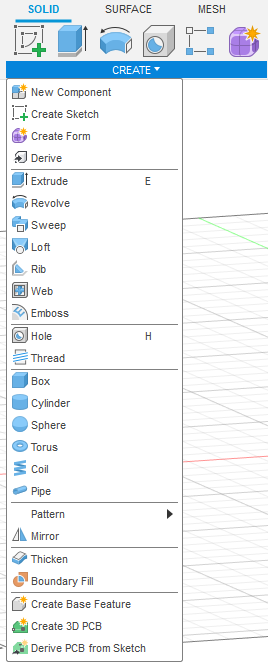 |
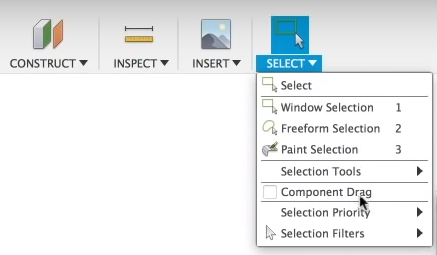 |
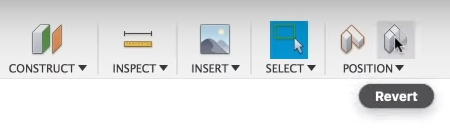 |
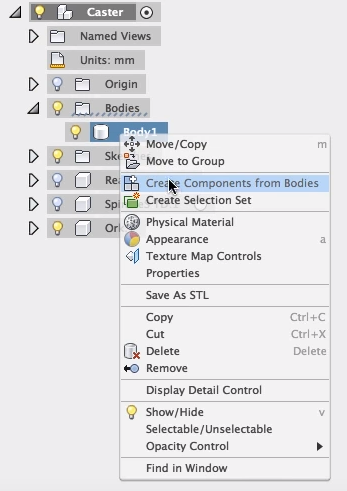 |
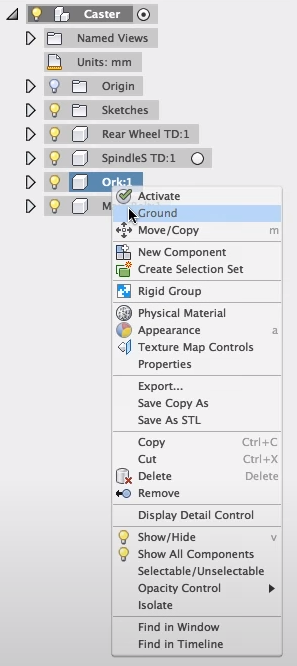 |
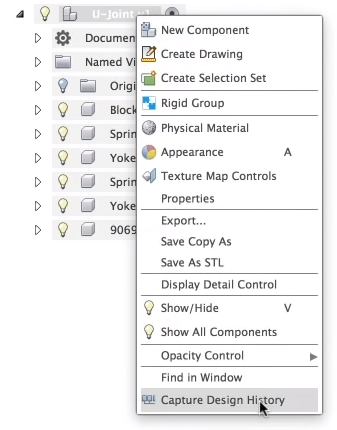 |
| Component with Bodies | Assembly with Components |
|---|---|
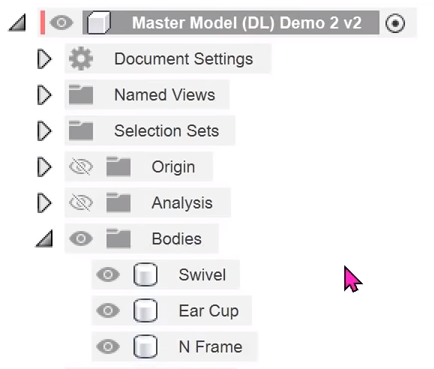 |
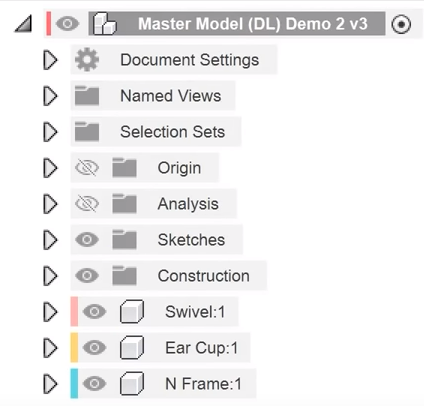 |
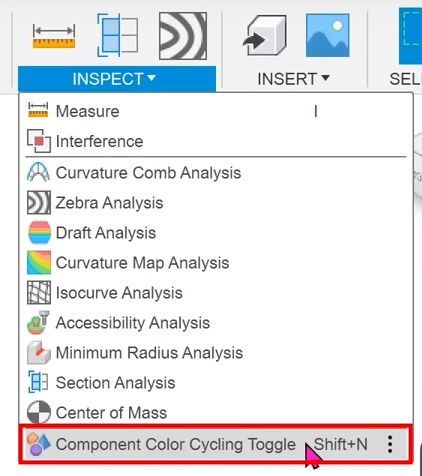 |
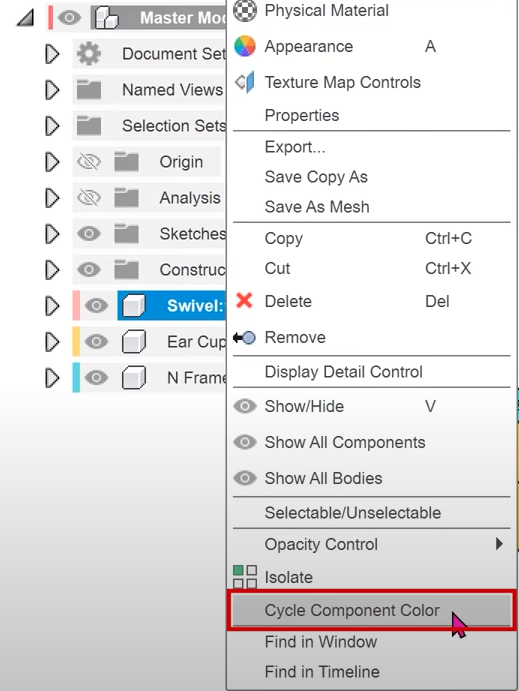 |
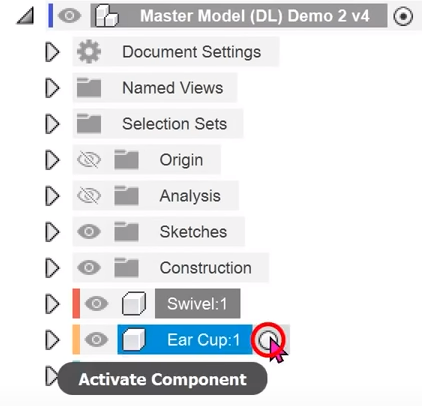 |
 |
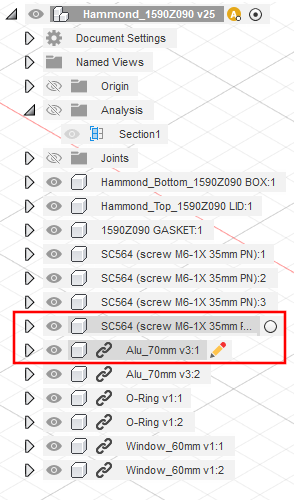 |
 |
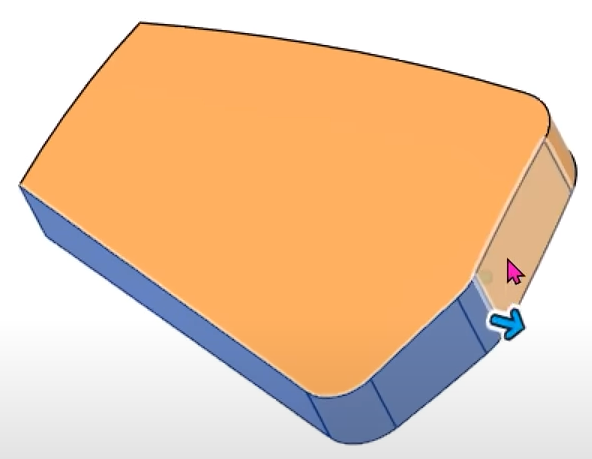 |
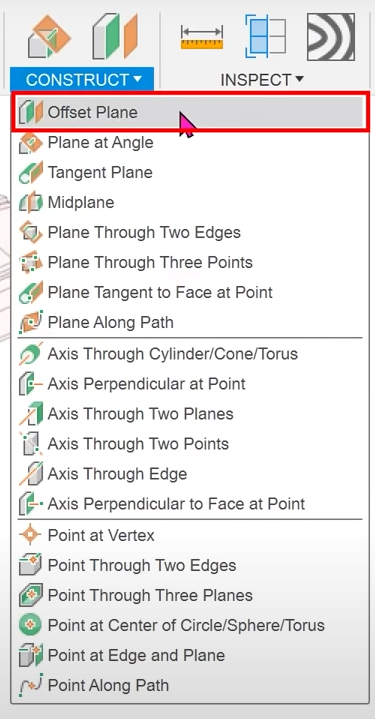 |
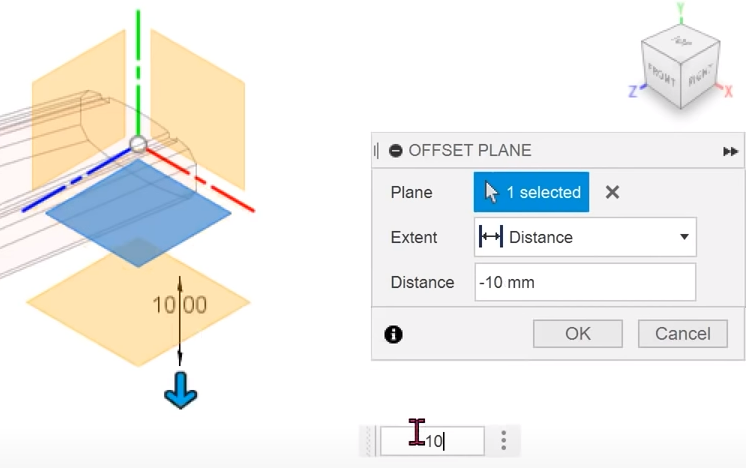 |
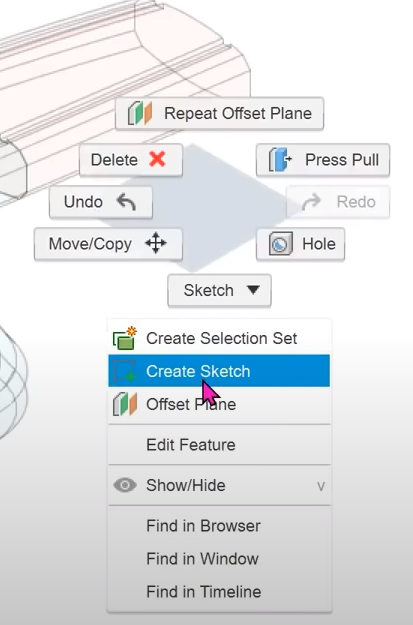 |
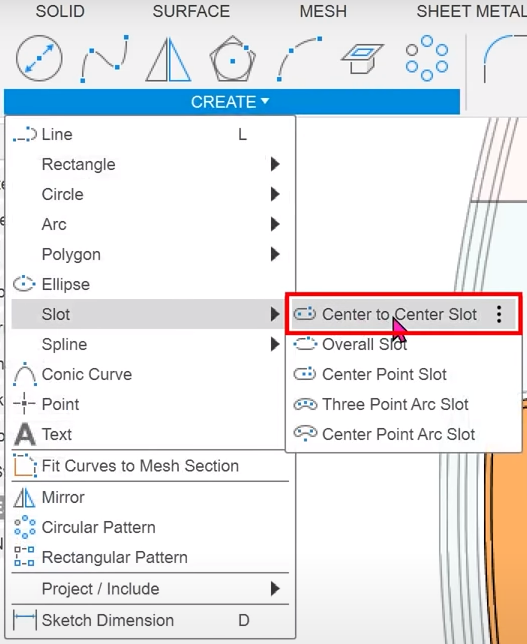 |
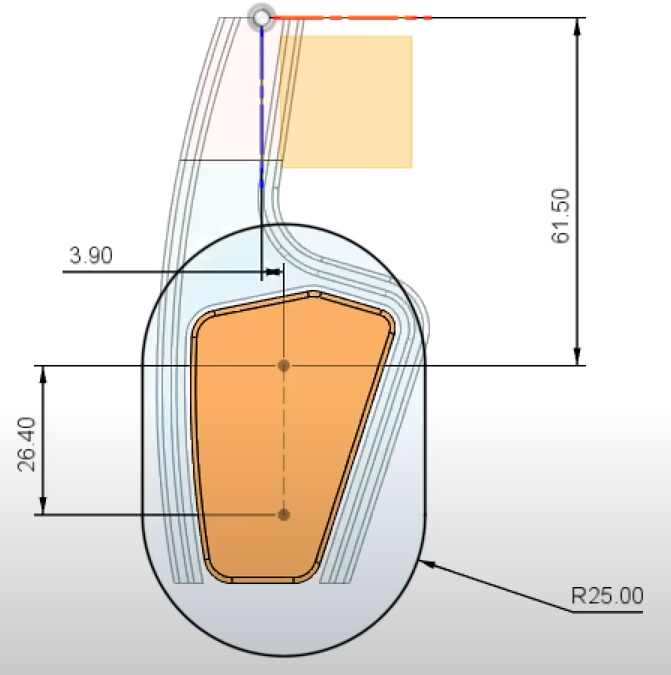 |
 |
 |
 |
 |
 |
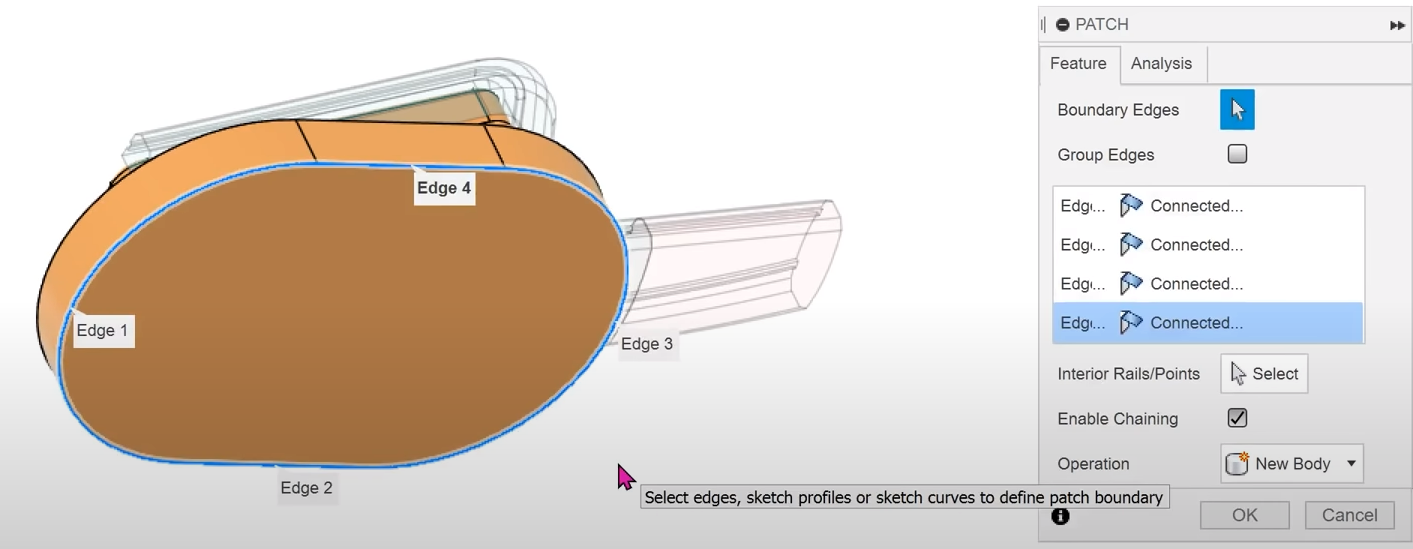 |
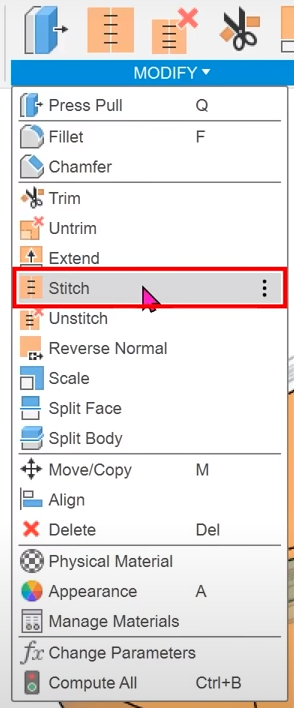 |
Fusion 360 – Sketch problem, Fully Constrained but not Fully defined (No Lock on Sketch)
Learn Autodesk Fusion 360 in 30 Days for Complete Beginners! (Playlist)
HOW and WHY to Fully Constrain Your Sketches – Learn Autodesk Fusion 360 in 30 Days: Day #17
 |
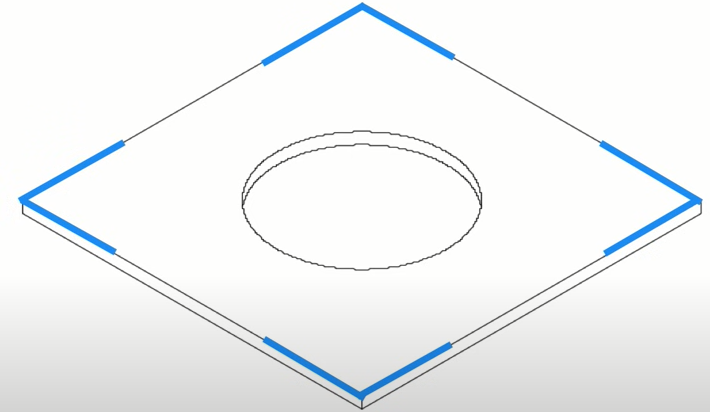 |
 |
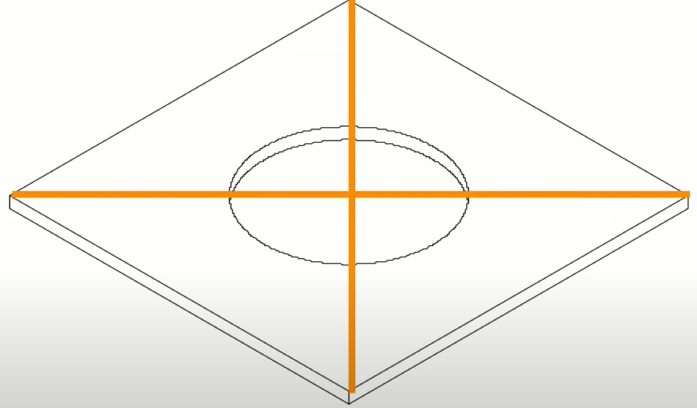 |
Learn the Fusion 360 User Interface (2021)
Fusion 360 Kaufteil / Katalogteil einfügen und fixieren – Baugruppe – Gelenke – Skizze – Zep To
Autodesk Fusion 360 – STEP-, / SAT-Dateien bearbeiten – Deutsch Tutorial Schulung
Joint (Face-to-Face) – Day 42 of 100 Autodesk Fusion 360 Journey
Using As Built Joints
QUICK TIP: Ground vs As-Built Joint
Fusion 360 | Master Model Workflow
Fusion 360 – Master Model | Top Down Design
Fusion 360 – Master Model Workflow
Fusion 360 – Case Studies (Playlist)
Joints in Fusion 360: A Comprehensive Tutorial! FF117
Replacing a Component and Managing its Dependencies in Fusion 360
How to Model a Car | Fusion 360 Tutorial Series
How to Model a Helicopter | Fusion 360 Tutorial Series
How to Model an Aircraft | Fusion 360 Tutorial Series
Boeing 757
A350 Designing
How to Design a Aircraft
Model Rocket
Learn to code a to-do list app in JavaScript – Part 1
Learn to code an API in JavaScript – Part 1
github.com/themaxsandelin/todo
maxsandelin.com
9.19: Prototypes in Javascript – p5.js Tutorial
Coding Challenge #65.1: Binary Search Tree
1.4: JSON – Arbeiten mit Daten und APIs in JavaScript
Async JS Crash Course – Callbacks, Promises, Async Await
Level Up Tutorials Website
Level Up Tutorials Playlist
ES6 Tutorial: Learn Modern JavaScript in 1 Hour
Object Creation in JavaScript (Playlist)
Must-know JavaScript Features
var, let and const – What, why and how – ES6 JavaScript Features
MutationObserver – This Is Unbelievably Powerful
Async vs Defer – What Is The Fastest Way To Load JavaScript
The ES6 Guide
JavaScript ES6 Features
These are the features in ES6 that you should know
Understanding Destructuring, Rest Parameters, and Spread Syntax in JavaScript
ES6 Handbook: Everything You Need to Know
JavaScript ES6 (ECMAScript 2015)
| ECMAScript 2009 | ES5 |
| ECMAScript 2015 | ES6 |
| ECMAScript 2016 | – |
| ECMAScript 2017 | – |
| ECMAScript 2018 | – |
JavaScript building blocks
Looping code
Introduction to events
Making decisions in your code — conditionals
Performance interface
Funktionen
Methoden Definitionen
var
Variablendeklarationen werden immer ausgeführt bevor Programmcode ausgeführt wird, egal wo sie im Programmcode vorkommen. Der Gültigkeitsbereich einer Variablendeklaration mit var ist der aktuelle Kontext. Dieser ist der Kontext der umschließenden Funktion oder für Deklarationen außerhalb von Funktionen der globale Kontext.
let
let ermöglicht es Variablen zu deklarieren, deren Gültigkeitsbereich auf den Block, den Befehl oder den Ausdruck beschränkt ist, in dem sie deklariert sind. Der Unterschied zum var Schlüsselwort ist, dass der Gültigkeitsbereich auf Blöcke und nicht auf Funktionen bzw. Global beschränkt ist.
ES6 In Depth: let and const
Explaining JavaScript Scope And Closures
JavaScript modules
Express/Node introduction
// Load HTTP module
const http = require("http");
<script type="module" src="main.js"></script>
import { name, draw, reportArea, reportPerimeter } from './modules/square.js';
JavaScript Objects
JavaScript Advanced Objects
JavaScript Function Objects