Documentation
Doly Maker Edition Build Guide
 |
 |
C:\Users\andreas\AppData\Local\Programs\Python\Python314\Scripts>pip install psutil
Collecting psutil
  Downloading psutil-7.2.2-cp37-abi3-win_amd64.whl.metadata (22 kB)
Downloading psutil-7.2.2-cp37-abi3-win_amd64.whl (137 kB)
Installing collected packages: psutil
Successfully installed psutil-7.2.2

[notice] A new release of pip is available: 25.3 -> 26.0.1
[notice] To update, run: C:\Users\andreas\AppData\Local\Programs\Python\Python314\python.exe -m pip install --upgrade pip
micro:bit Schematics
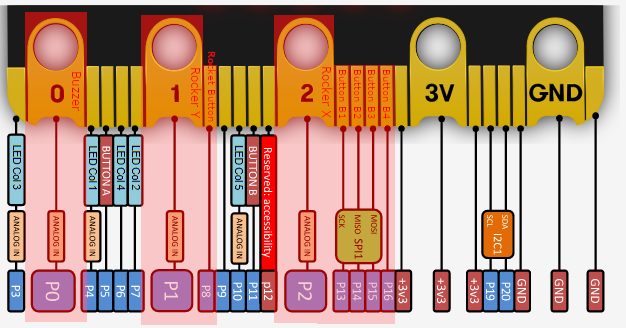
micro:bit Edge Connector & micro:bit pinout
MakeCode with GitHub (Episode 3)
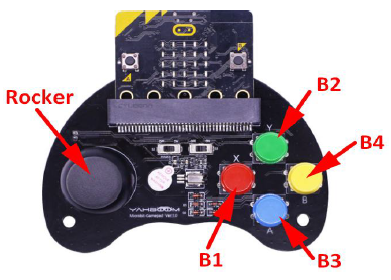
Welcome to Mini Microbit Handle repository
github.com/YahboomTechnology/Game-Handle-compact-version
github.com/YahboomTechnology/Microbit-Game-Handle
github.com/lzty634158/yahboom_mbit_en
github.com/lzty634158/GHBit
BBC micro:bit Shop
Seluxit A/S Wappsto:Bit NB IoT+
DFRobot DFRobot micro:Gamepad für micro:bit Gaming
SparkFun gator:bit
SparkFun gator:bit v2 Hookup Guide
SparkFun Soil Moisture Sensor
SparkFun gator:starter ProtoSnap
micro:bit runtime
MicroBit (uBit)
uBit.radio
Yotta Offline-Toolchain
github.com/microsoft/pxt
github.com/microsoft/pxt-microbit
github.com/sparkfun/pxt-gator-light
github.com/microbit-foundation/makecode-tutorials
How to use micro:bit radio communication | Tutorial #11
Micro:bit Tutorial 4 – Radio Communication
 |
 |
 |
 |
 |
 |
 |
 |
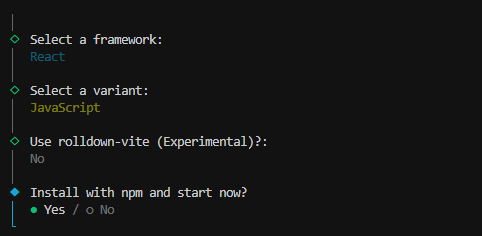 |
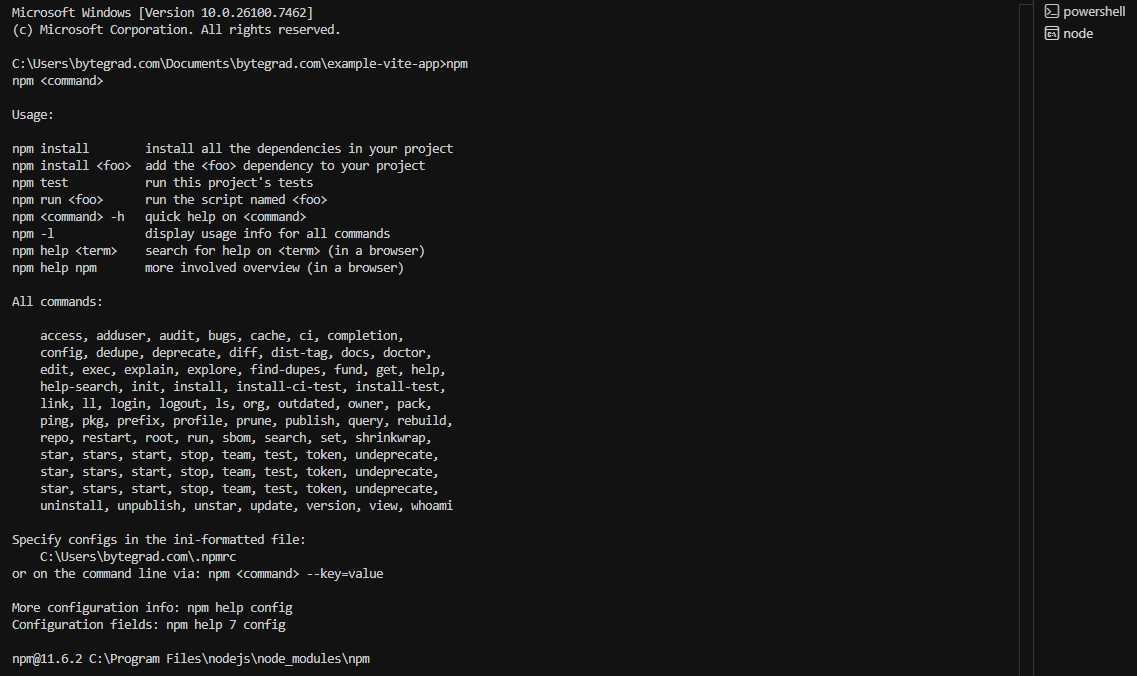
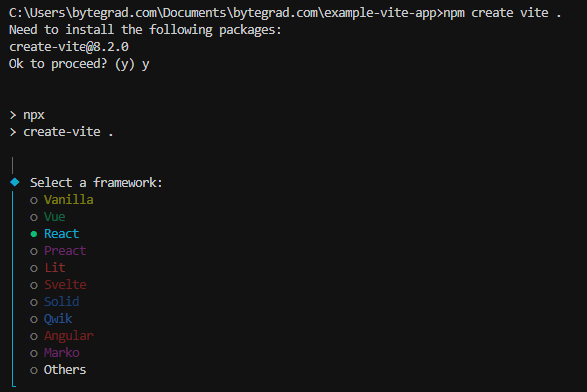
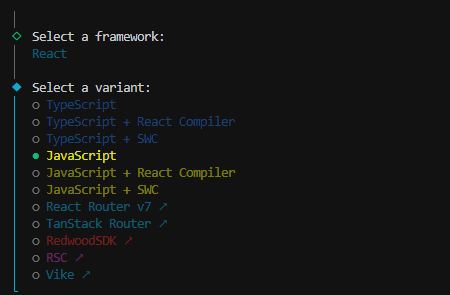
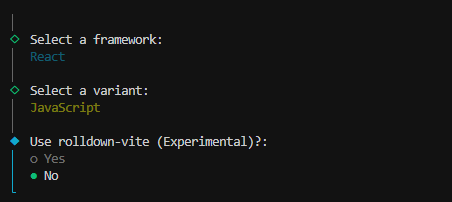
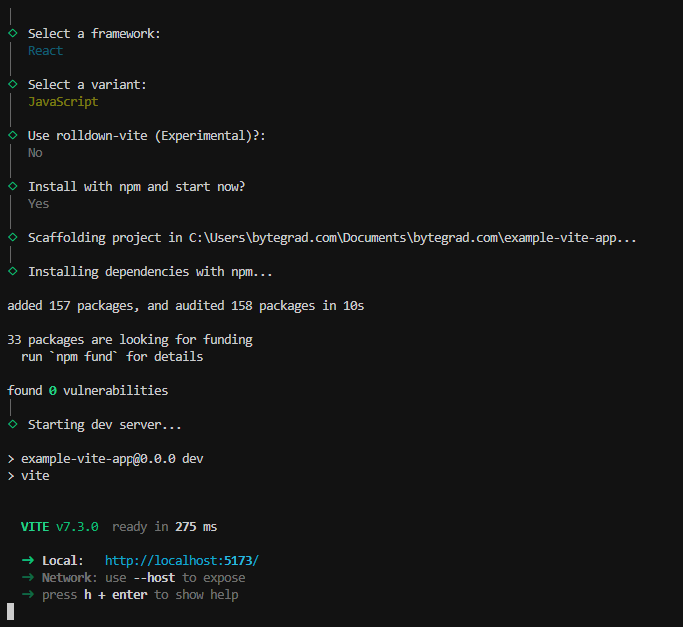
| npm install npm run dev |
 |
TEXT(value, format_text): Converts numbers/dates to text with specific formatting (e.g., TEXT(A1, "0.00") or TEXT(B1, "mm/dd/yy")).
LEFT(text, num_chars): Extracts characters from the left of a text string.
RIGHT(text, num_chars): Extracts characters from the right of a text string.
MID(text, start_num, num_chars): Extracts characters from the middle of a text string.
TRIM(text): Removes extra spaces from text (leading, trailing, and extra spaces between words).
PROPER(text): Capitalizes the first letter of each word.
UPPER(text): Converts text to all uppercase.
LOWER(text): Converts text to all lowercase.
LEN(text): Returns the number of characters in a text string.
CONCAT / &: Combines text strings (e.g., ="Hello " & A1 & "!").
=TEXT()
=VALUE()
=MID()
=LEFT()

=DATE(
  MID(
    A1,
    FIND("/",A1)+1,
    IND(
      "/",
      A1,
      FIND("/",A1)+1
    )-FIND("/",A1)-1
  ),
  LEFT(
    A1,
    FIND("/",A1)-1
  ),
  MID(
    A1,
    FIND("/",A1)+1,
    FIND("/",A1,FIND("/",A1)+1)-FIND("/",A1)-1)
  )
)